You've spent hours creating the perfect image. Whether it's a photograph, digital artwork, or design asset, you want to share it with the world—but you also want to protect your ownership. Traditional visible watermarks can ruin the aesthetic of your work. The solution? Invisible watermarking.
The Problem with Visible Watermarks
Visible watermarks have been the go-to solution for image protection for decades, but they come with significant drawbacks:
- They diminish visual impact. A watermark across your image distracts from the work itself, making it less appealing for portfolio presentation or sharing.
- They can be cropped or edited out. With modern editing tools, determined thieves can often remove visible watermarks, especially if they're positioned at edges or in uniform areas.
- They look unprofessional. Large, garish watermarks can make otherwise excellent work appear amateurish or overly paranoid.
- They don't prove ownership. Anyone can add a watermark to any image—it doesn't actually verify who created the original.
What Are Invisible Watermarks?
Invisible watermarks use steganography—the practice of hiding information within other data—to embed ownership information directly into the pixel data of an image. The watermark is imperceptible to the human eye but can be extracted by software that knows where to look.
Think of it like writing in invisible ink. The message is there, encoded in the very fabric of the image, but viewers see only your intended artwork. When you need to prove ownership, you can extract the hidden watermark to reveal your embedded information.
How Invisible Watermarking Works
Modern invisible watermarking techniques modify the least significant bits of pixel color values. Since human vision is relatively insensitive to tiny color variations, changing the last bit of a color value from 0 to 1 (or vice versa) is essentially undetectable.
For example, a pixel with RGB values of (128, 64, 192) might become (129, 64, 193) after watermarking. This difference of 1 in the red and blue channels is far below the threshold of human perception, but it carries encoded information that can be retrieved later.
"The best protection is the kind that doesn't compromise what you're protecting."
Best Practices for Invisible Watermarking
1. Use Meaningful Identification
Your watermark text should include information that definitively identifies you as the creator:
- Your name or business name
- Copyright year and notice (e.g., "© 2026 Your Name")
- Contact information or website
- Creation date for time-stamping
2. Watermark at Full Resolution
Always watermark your images at their original, highest resolution before any resizing or compression. This ensures the watermark data is distributed across more pixels, making it more robust against compression and resizing.
3. Keep Copies of Originals
Store both your original unwatermarked images and your watermarked versions. The original serves as additional proof of ownership if needed, while the watermarked version is what you distribute.
4. Choose Appropriate Intensity
Most watermarking tools offer intensity settings. Lower intensity means less visual impact but potentially less robust watermarks. Higher intensity provides stronger protection but may introduce slight visible artifacts in gradient areas. For most images, a medium intensity strikes the right balance.
5. Consider Redundant Embedding
Some advanced watermarking systems embed the same information multiple times across different areas of the image. This redundancy means the watermark can survive partial cropping or editing.
When to Use Invisible Watermarks
Invisible watermarks are ideal for:
- Portfolio images you want to display without visual distraction
- Stock photography where clean previews drive sales
- Client proofs that should look professional while still being protected
- Social media sharing where visible watermarks look intrusive
- AI-generated artwork where establishing ownership is especially important
Limitations to Understand
No protection method is perfect. Invisible watermarks have some limitations:
- Heavy compression can damage watermarks. Aggressive JPEG compression or multiple re-saves can degrade the embedded data.
- Screenshots bypass watermarks. If someone screenshots your image instead of downloading it, they get a new image without your watermark.
- Significant editing can remove watermarks. Major color adjustments, filters, or transformations may destroy the embedded data.
- They're not legally binding proof. While watermarks support ownership claims, they're evidence, not definitive legal proof.
For maximum protection, combine invisible watermarks with other methods: maintain original files with creation dates, document your creative process, and consider registering important works with copyright offices.
Step-by-Step: Adding an Invisible Watermark
- Prepare your image. Ensure it's at full resolution and final color-corrected state.
- Choose your watermark text. Include copyright notice, your name, and date.
- Select appropriate intensity. Start with medium and adjust if needed.
- Process the image. Apply the watermark using your chosen tool.
- Verify the watermark. Use the extraction feature to confirm the watermark was embedded correctly.
- Save in a lossless format first. Save as PNG to preserve quality, then create compressed versions if needed.
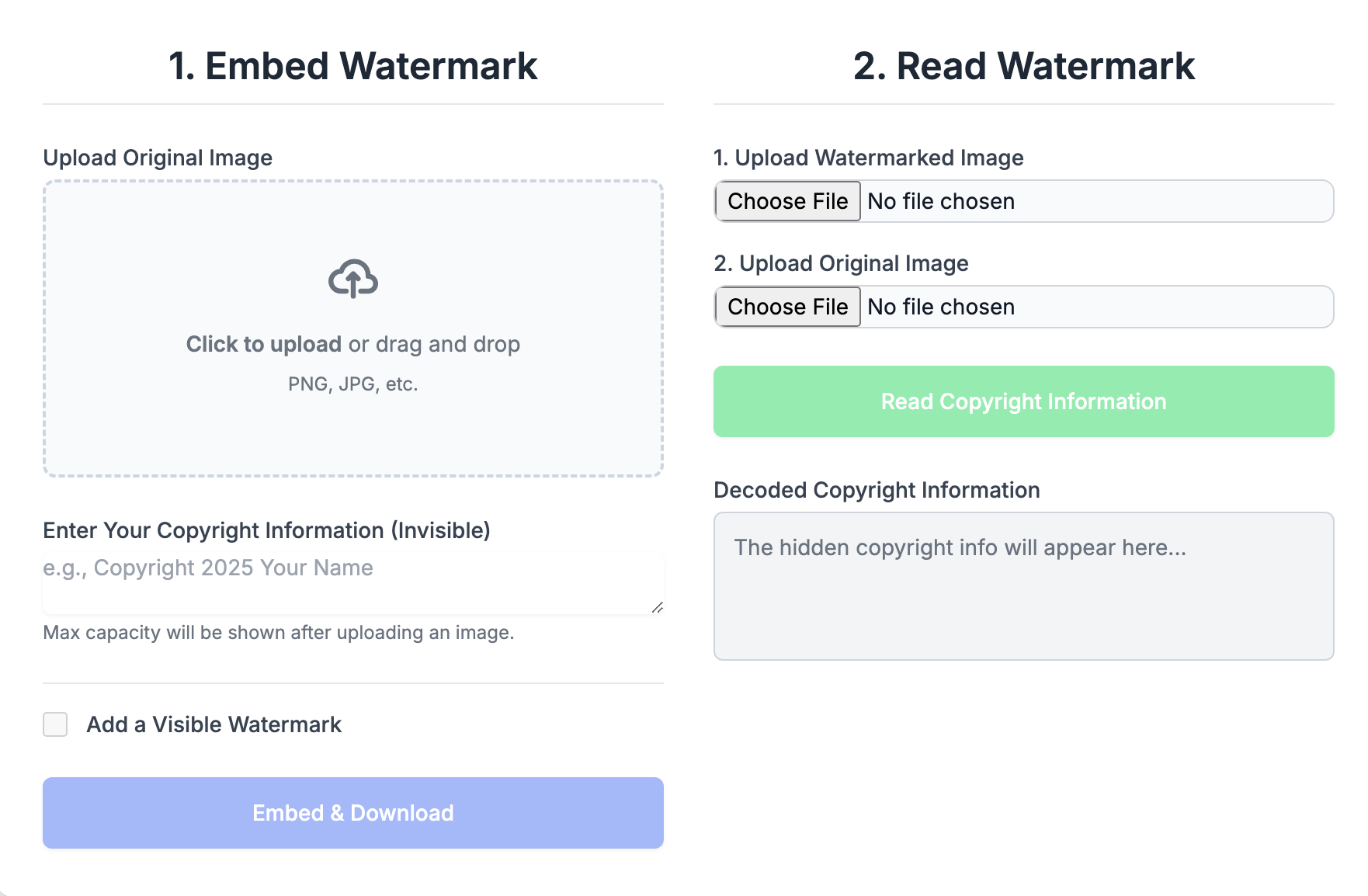
Invisible Image Watermarker
Add invisible, tamper-resistant watermarks to your images in seconds. Our browser-based tool processes everything locally—your images never leave your device.