Every photo you take contains a hidden story—and it's not the one you intended to tell. Embedded in your images is metadata: technical information that can reveal where you were, what device you used, and when you took the picture. For most people, this data is invisible. For someone who knows where to look, it's an open book.
What Is Image Metadata?
Metadata is "data about data"—information embedded in files that describes them. For images, this includes:
- EXIF data: Technical information from your camera or phone, including camera model, settings, date, time, and often GPS coordinates.
- IPTC data: Professional metadata fields for copyright, captions, keywords, and creator information.
- XMP data: Adobe's extensible format for editing history, keywords, and other information.
This metadata serves legitimate purposes: it helps photographers organize their libraries, allows software to automatically sort images by date and location, and preserves important copyright information. But when you share images online, this same data can expose you in ways you never intended.
The Privacy Risks
Location Tracking
The most dangerous metadata is GPS coordinates. When location services are enabled, your phone embeds precise latitude and longitude into every photo. This data reveals:
- Your home address from photos taken at home
- Your workplace from lunch or office photos
- Your daily routines from patterns in photo locations
- Where your children go to school from photos taken during pickup
- Your vacation patterns showing when your home is empty
A single photo taken in your backyard can pinpoint your home on a map to within a few meters. For anyone concerned about stalking, domestic violence, or simply personal privacy, this is a serious risk.
Device Fingerprinting
EXIF data includes detailed information about your camera or phone:
- Device manufacturer and model
- Serial numbers (on some devices)
- Firmware version
- Lens information (for cameras)
This information can link photos together—revealing that images posted under different names or accounts came from the same device. For journalists, activists, or anyone maintaining separate online identities, this connection can be dangerous.
Timestamp Information
Photos contain multiple timestamps:
- Date/time original: When the photo was taken
- Date/time digitized: When it was converted to digital (usually the same as original)
- Modification date: When the file was last changed
These timestamps can reveal your schedule, contradict alibis, or prove when you were (or weren't) somewhere.
"Every photo is a time-stamped, geotagged record of your life. Treat it accordingly."
Real-World Consequences
Photo metadata has been used to:
- Track down anonymous bloggers by matching device information across posts
- Locate celebrity homes from social media photos, leading to stalking incidents
- Identify whistleblowers when leaked documents contained printer metadata
- Prove or disprove alibis in legal proceedings
- Enable OSINT investigations by researchers, journalists, and malicious actors
The field of OSINT (Open Source Intelligence) specifically studies how to extract information from publicly available data—and image metadata is one of the richest sources.
How to Check Your Photos
Before you share any image, check what metadata it contains:
On Windows
Right-click the image → Properties → Details tab. You'll see all embedded metadata including GPS coordinates if present.
On macOS
Open the image in Preview → Tools → Show Inspector → GPS (if location data exists).
On iPhone/Android
Open the photo → tap Info or Details → look for location map and technical details.
Online Tools
Services like Jeffrey's EXIF Viewer or our Scrubber tool can show you exactly what metadata your images contain.
Protecting Yourself
1. Disable Location Services for Camera
The simplest protection is not embedding location data in the first place:
- iPhone: Settings → Privacy → Location Services → Camera → Never
- Android: Open Camera app → Settings → Location tags → Off
This prevents GPS coordinates from being embedded, though other metadata remains.
2. Strip Metadata Before Sharing
Remove metadata from images before posting them online. This can be done with:
- Dedicated metadata removal tools
- Image editors that offer metadata stripping on export
- Online services that process images locally in your browser
3. Be Aware of Platform Behavior
Different platforms handle metadata differently:
- Facebook, Instagram, Twitter: Strip most EXIF data on upload
- Email: Preserves all metadata
- Cloud storage (Dropbox, Google Drive): Preserves all metadata
- Messaging apps: Varies; some strip metadata, some don't
Don't assume a platform removes metadata—verify before sharing sensitive images.
4. Use Screenshots Instead
Screenshots create new images with new metadata—typically just the screenshot time and your device model. While not perfect, they eliminate the original photo's GPS data and camera information.
A Balanced Approach
Not all metadata is dangerous, and removing everything isn't always necessary:
- Family photos stored privately benefit from location and date metadata for organization.
- Professional photos should retain copyright metadata while removing personal details.
- Photos shared publicly should have personal identifying metadata removed.
- Photos in sensitive contexts should be completely scrubbed of all metadata.
The key is intentionality: understand what your photos contain, and make conscious decisions about what you share.
Step-by-Step: Cleaning Your Photos
- Check current metadata. Use a metadata viewer to see what information your photo contains.
- Decide what to remove. Location data is usually the priority; you may want to keep copyright information.
- Process the image. Use a metadata removal tool to strip unwanted information.
- Verify removal. Check the processed image to confirm metadata was removed.
- Save the cleaned version. Keep a clean copy for sharing separate from your original.
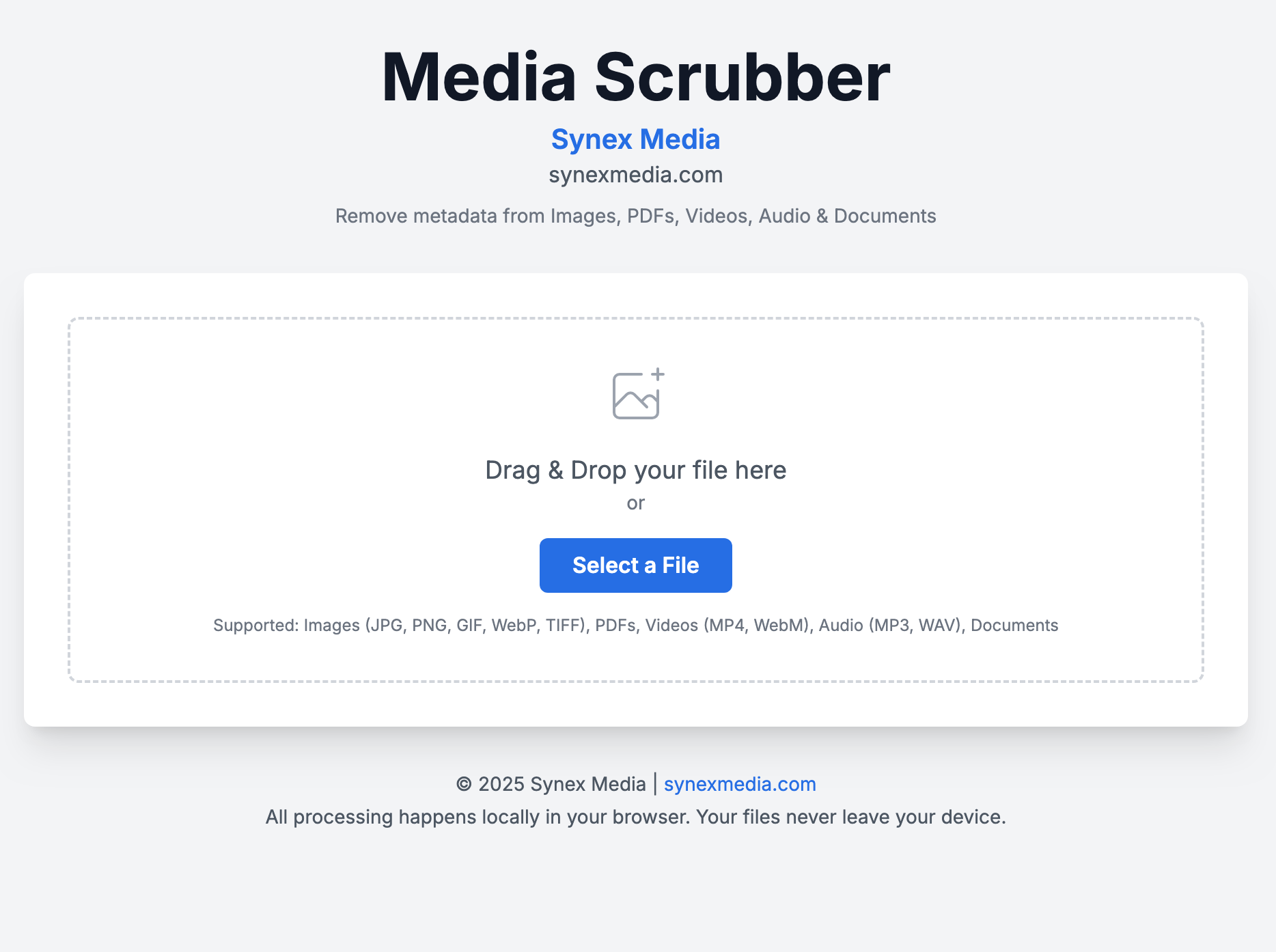
Scrubber
Remove metadata and sensitive information from your images before sharing. Our browser-based tool processes everything locally—your photos never leave your device.